
How to deploy a Vaadin application to Google Cloud App Engine
I tried to deploy a Vaadin application to Google Cloud App Engine.
It was not as straightforward as expected, so I want to share my findings.
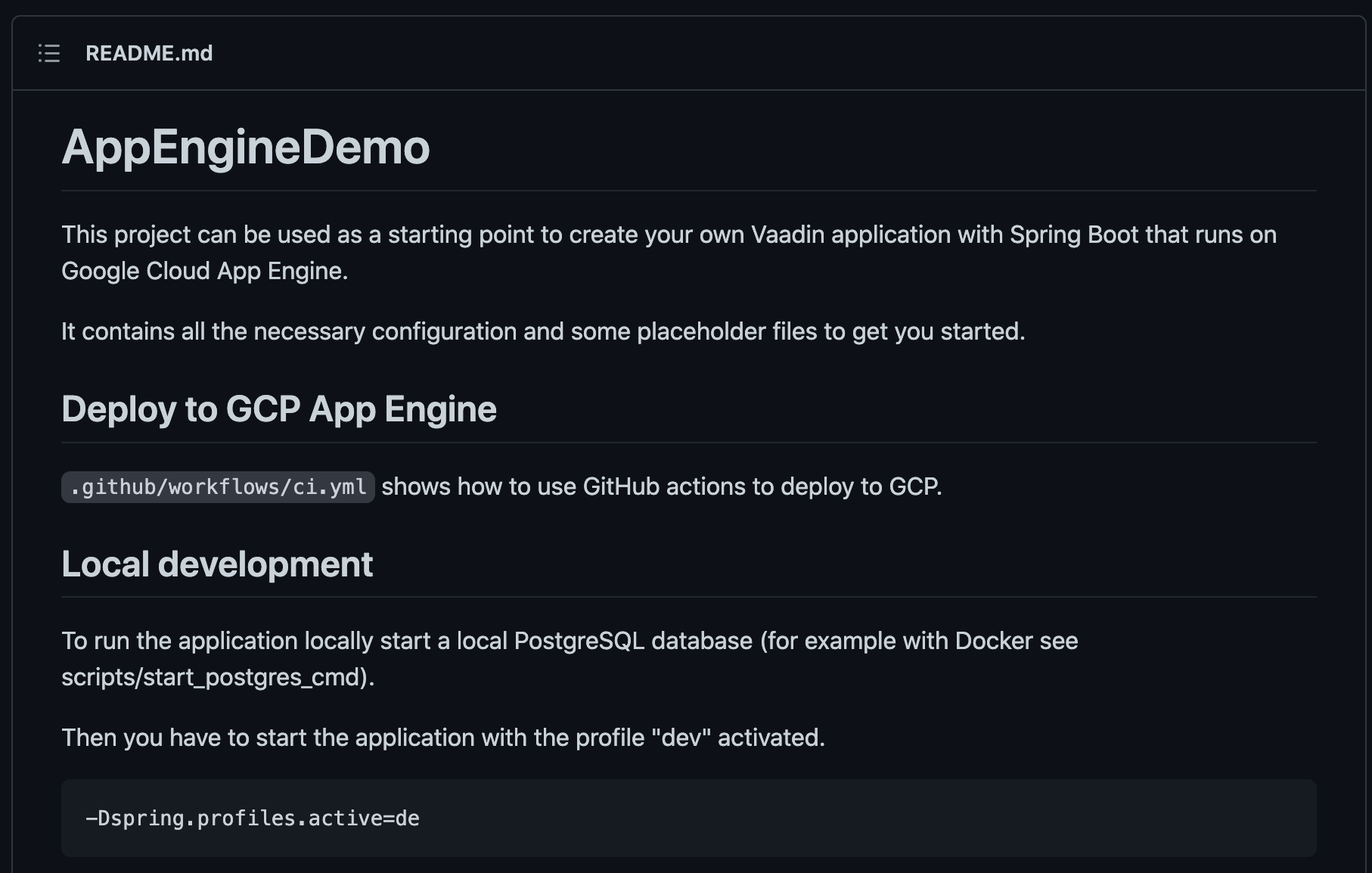
The example project is available on GitHub: https://github.com/simasch/vaadin-appengine-demo
The Vaadin Application
First, I’ve created a new Vaadin application: https://start.vaadin.com
Then I did a production build:
mvn package -Pproduction
That will generate an executable JAR file in the target directory.
First Deployment
Google AppEngine provides F2 instance type with enough memory for Spring Boot and Java 17 by default. There is no need to configure anything, and I can simply execute:
gcloud app deploy
This work! But is there even a simpler way?
Maven Plugin
I could use a Maven plugin to deploy the application:
<plugin>
    <groupId>com.google.cloud.tools</groupId>
    <artifactId>appengine-maven-plugin</artifactId>
    <version>2.4.2</version>
    <configuration>
        <projectId>GCLOUD_CONFIG</projectId>
        <version>GCLOUD_CONFIG</version>
    </configuration>
</plugin>
And now I just have to call:
mvn package appengine:deploy -Pproduction
Session State
As you may know, Vaadin applications have server state and may also have push enabled that will use WebSockets.
We must enable session affinity to ensure our application runs correctly in multiple instances.
This can be done in the app.yaml as well
network:
    session_affinity: true
But what does session affinity mean? Let’s check the documentation:
session_affinity
Optional. Set to true to configure App Engine to route multiple sequential requests for a given user to the same App Engine instance such as when storing user data locally during a session.
Session affinity enables inspecting the value of a cookie to identify multiple requests by the same user and then directs all such requests to the same instance. If the instance is rebooted, unhealthy, overloaded or becomes unavailable when the number of instances has been scaled down, session affinity will be broken and further requests are then routed to a different instance.
Note that enabling session affinity can affect your load balancing setup. This parameter is disabled by default.
Conclusion
Deploying to Google App Engine is straight-forwarded using the Maven plugin, but you must analyze the log files and probably configure the Java version, the instance size, and session affinity.
Found a mistake, or something to add? Edit this page on GitHub

Simon Martinelli
Simon Martinelli is a Java Champion, Vaadin Champion, and Oracle ACE Pro, with over three decades of experience as a software architect, developer, consultant, and trainer. As the owner of Martinelli LLC, he specializes in optimizing full-stack development …

Discussions on the previous Foojay site
4 comments left on this article in 2022, kept from the previous WordPress version of foojay.io. They are an archive and are closed for replies — use the discussion above to add to the conversation.
Hi, Thanks for the post.
We will change the Cloud SDK CLI to use the java17 by default, now that it is GA.
For memory usage on F1 instance class, we are investigating some options…
Thanks for the nice blog!
Thank you for the information. I’m happy you liked it.
Hi Simon, If you retry with the last Cloud SDK release, you will see that you we now default to
java17 and
F2 instance class,
so this blog can be updated by removing all the unnecessary steps, simplifying a lot this getting started work when targeting App Engine Java 17 Standard!
Thanks,
Hi Ludo,
Great news!
I’ll update the post as soon as possible.
Thank you
Simon