How To Submit Your Next Article On Foojay.io


 7 min read
15,109 views
7 min read
15,109 viewsFoojay, the place for Friends Of OpenJDK, is a friendly community of Java and Kotlin developers who share tips and insights every day on Foojay Today. We would love to publish your article too!
In September 2026, Foojay.io moved from a WordPress system to a static site built with Hugo and published from a public GitHub repository, github.com/foojayio/website. Contributing an article means adding a small folder of files (your text and images) to that repository. You don’t need to know Hugo — everything you need is in a ready-made template.
1. Make sure you have an author profile
Every article needs at least one author, and each author has a profile folder named with the author slug: content/authors/<slug>/. Your post’s authors: frontmatter uses that slug. For example the profile content/authors/frankdelporte/ is referenced as authors: ["frankdelporte"].
First, check whether your profile folder already exists under content/authors/ — they are all listed there, one folder per author. If it does, use that folder name as your slug and move on to the next step.
If it doesn’t exist yet, create it and include it in the same submission. Make a folder content/authors/<your-slug>/ (e.g. content/authors/jane-doe/) containing an _index.md — note the underscore, which is what lets the profile paginate a long article list. Start from template/author.md, which lists every field with a comment. At a minimum set title (your name) and a short bio, and add your social links (Bluesky, Mastodon, LinkedIn, GitHub, YouTube, website). Then use that folder name as the slug in your article’s authors: list.
For your profile picture, drop the photo into the same folder and reference it by filename in the avatar: field. Everywhere the site shows one it is cropped to a circle, from the middle of the image outwards, so the ideal file is square, 192 x 192 pixels, JPEG, under 30 KB:
- Square, because the crop keeps the middle and discards the rest — on a portrait photo it is the top of your head and your shoulders that go. Crop it square yourself and you decide what stays, and leave a little room around your face, as the circle trims the corners too.
- JPEG for a photo, and PNG only for a drawn or logo-style avatar with hard edges that JPEG makes look fuzzy. Not an SVG: your picture also goes into the page’s structured data, which the tools that read it won’t render.
- On a solid background, not a transparent one. A circle cut out of a transparent image lets the page show through, and dark artwork on a transparent background all but disappears in dark mode.
- Nothing is resized when the site is built, so the file you commit is the file every reader downloads. 192 pixels is twice the size the biggest circle on the site is drawn at, which is what keeps it sharp on a high-resolution screen without being heavy — the author overview page shows all 350+ of them at once.
The avatarFull: field next to it is optional: set it only if you have a larger portrait than the small one, ideally 400 x 400, under 100 KB. It is used where your picture is shown on its own — your profile page, the monthly featured-authors spotlight, and your thumbnail in the site search — and falls back to avatar: when it is empty. avatar: is the one that always needs filling in: leave it empty and you are missing from the author overview and the sidebar widget even if avatarFull: is set.
2. Prepare your article folder
Each article lives in its own folder that holds an index.md file (your article) and any images it uses, all together.
- Create a folder named with the URL “slug” you want for your article — lowercase, words separated by dashes. For example a folder called
my-first-java-recordbecomes the URL/today/my-first-java-record/. - Copy a starter template (from the repository’s
template/folder) into your new folder. Either format works: copytemplate/post.mdand rename it toindex.mdto write in Markdown, or copytemplate/post.adocand rename it toindex.adocto write in AsciiDoc. Both contain every frontmatter field with comments explaining how to fill it in. Markdown is the shorter of the two and what most articles use; AsciiDoc is worth it when you want captions on code blocks, numbered callouts inside a snippet, admonitions, or tables that span cells. - Fill in the frontmatter at the top of the file:
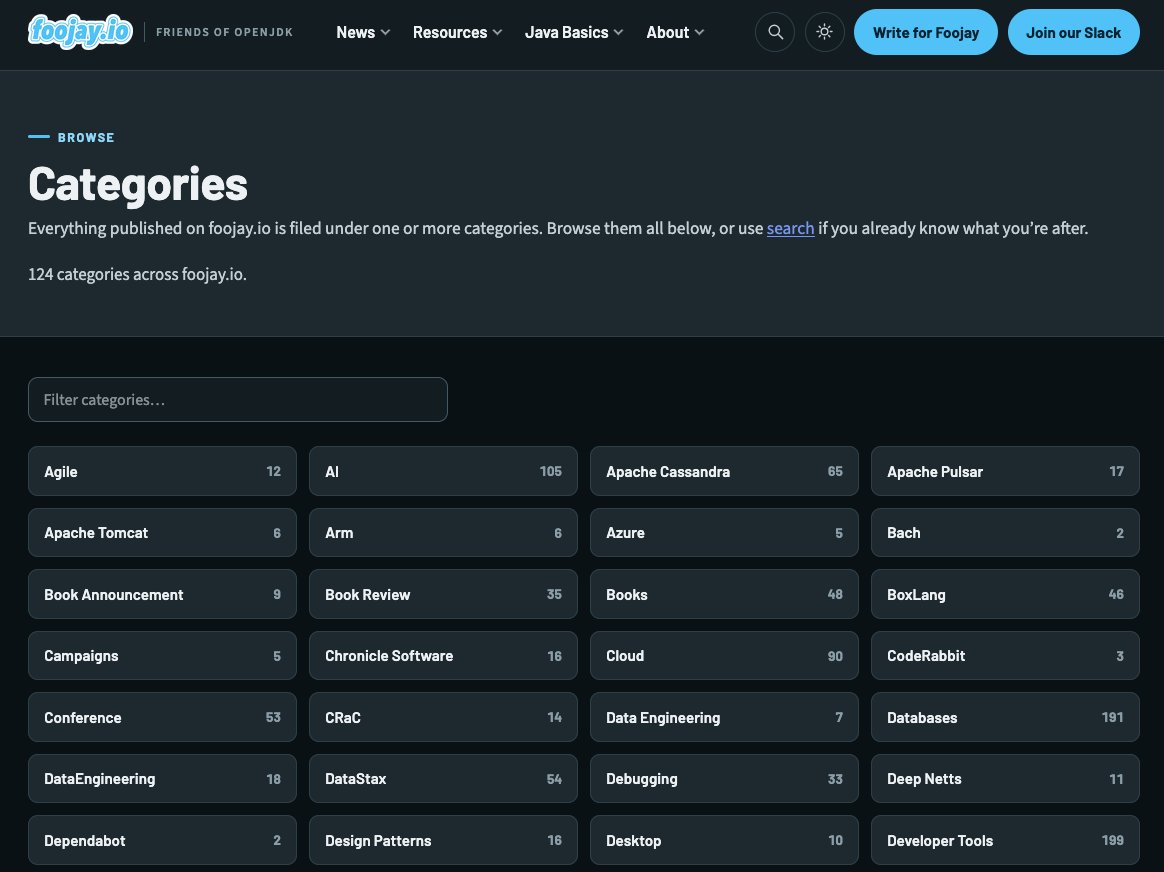
title,date,description, yourauthorsslug(s), andcategories. This part is identical in both formats — same fields, same---fences, whether the file isindex.mdorindex.adoc. Thetemplate/categories.mdfile lists the categories already in use — please reuse an existing one where it fits. - Write your article below the frontmatter, in Markdown or in AsciiDoc depending on the template you started from. Start your section headings at
##in Markdown, or at==in AsciiDoc — in neither case add a top-level heading of your own, because thetitleis already shown as the page heading. Each template includes examples of headings, code blocks, images, tables and shortcodes (for example{{< youtube VIDEO_ID >}}to embed a video) written in its own syntax. - Add your images into the same folder and reference them by filename, e.g.
. The text in the square brackets is the image’s description, not a caption: it is the only part of the image a reader using a screen reader gets, so write what the image shows. - Set the preview image. The
image:field in the frontmatter is your article’s card on the home page and in the article overviews, and the picture that appears when your post is shared on social media, so every article needs one. Put the file in the same folder and reference it by filename. The ideal file is 1600 x 900 pixels (16:9), JPEG, under 300 KB:- 16:9 is exactly the shape of the large card on the home page, and it crops cleanly to the smaller cards and to the social preview. All of those crop from the centre outwards, so keep anything that has to stay readable — text, logos, faces — away from the edges. The 1600 pixel width is for the social preview; the site itself never needs more than that.
- JPEG for photos and screenshots, and PNG only for hard-edged line art that JPEG makes look fuzzy. Not an SVG: social platforms won’t render one, so your article would preview with the generic Foojay card instead of your own image.
- A still image on a solid background. Cards and social previews don’t animate, so point
image:at a still frame and put an animated version in the article body instead. And a transparent background can disappear in dark mode, where cards paint their own colour behind the image.
3. Submit your article
In order of preference:
Option 1 — Pull request (direct access)
If you have write access to the repository, create your folder under draft/your-slug/, commit it, and open a pull request. A maintainer reviews it and moves it into place. If you’d like this access, just ask — mention it in your first pull request or in an email to us.
Option 2 — Pull request (from a fork)
No access yet? Fork the repository, add your draft/your-slug/ folder to your fork exactly as in Option 1, and open a pull request from your fork back to the main repository.
Option 3 — Email us a zip
Not comfortable with Git? No problem. Zip up your article folder (the index.md and its images) and email it to hello@foojay.io. We’ll take care of the rest.
What happens next
We review every submission for a good fit and light editing, then publish it and share it with the community. Thanks for writing for the Friends Of OpenJDK!
Found a mistake, or something to add? Edit this page on GitHub

A N M Bazlur Rahman
A N M Bazlur Rahman is a Software Engineer with over a decade of specialized experience in Java and related technologies. His expertise has been formally recognized through the prestigious title of Java Champion. Beyond his professional commitments, Mr. Rahman …
Frank Delporte
Frank Delporte is a Java Champion, Java Developer, Senior Technical Writer at Azul, Blogger, Author of "Java Programming for Raspberry Pi - A Hands-On Guide to Electronics and IoT Projects", and Open-Source Contributor for Pi4J, Lottie4J, Sheetmusic4J, …
Geertjan Wielenga
Geertjan is an open source and Java enthusiast, Java Champion, Apache Member, and leader of the Amsterdam Java User Group.